Hello gamers! It is time for another big Digital Client update!
LetterboxingThis was a heavily requested feature, despite the fact I never used it in my over 10 years of playing Stable. Funny how that works.
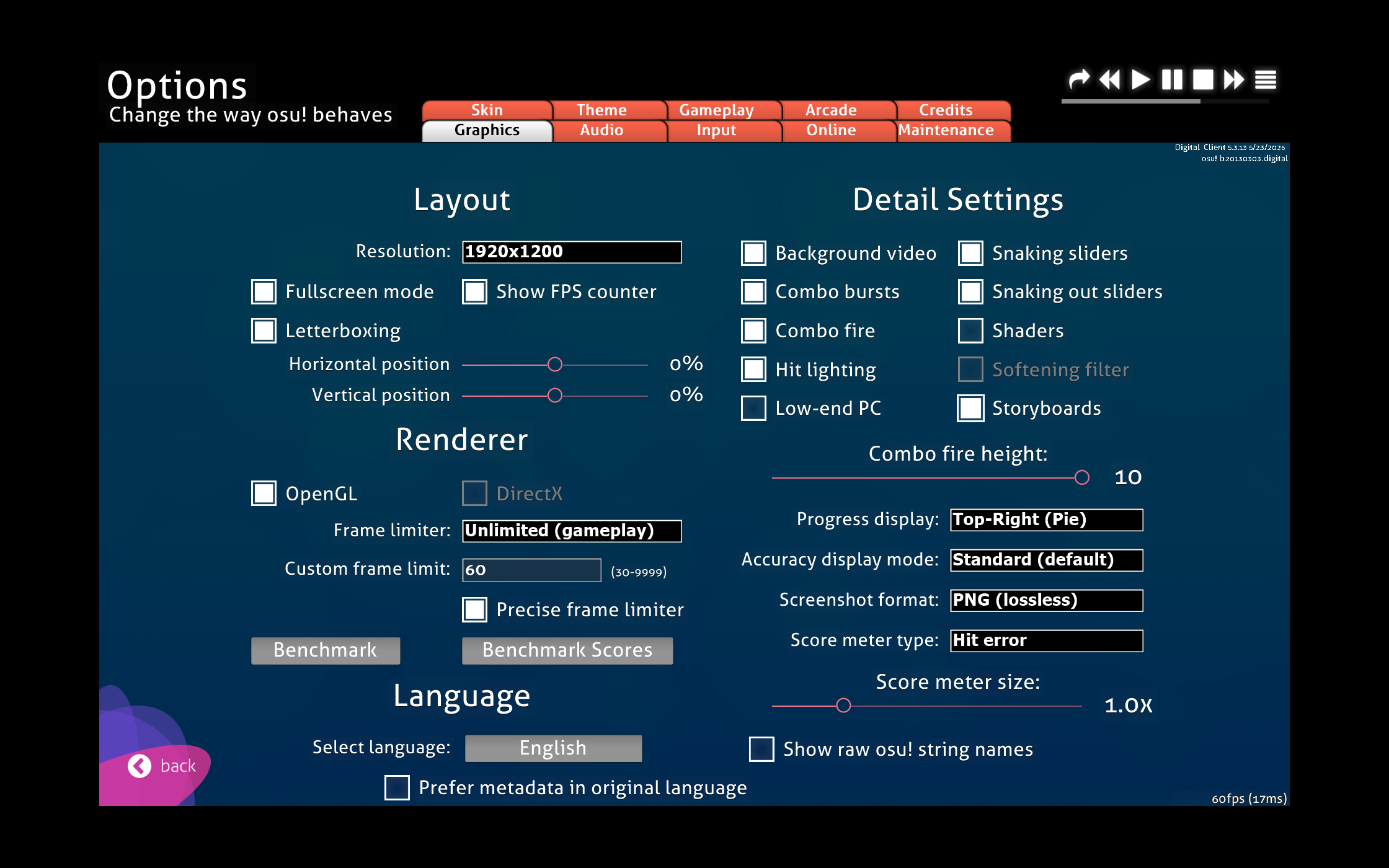
This feature works in both OpenGL and DirectX, despite the fact that you should still NOT be using DirectX fullscreen. To use this feature, enter fullscreen, enable letterboxing, and then change your resolution using the dropdown. After this you can reposition the letterboxed window wherever you please. This is still pretty experiemental, and I had to make a bunch of changes to make it work. I also modified how the game tracks it's fullscreen states and code revolving around windowed vs. fullscreen to match 2015!
Cursor ConfiningThis is something I had wanted to do in Digital Client for a long time, and now seemed like the perfect time. Another 2015 backport.
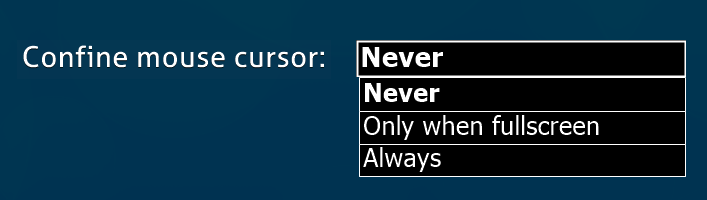
In the Input Tab of Settings, you can now select 3 options for confining your cursor. Never is the default, you can confine when only in fullscreen, or always.
Mica Support on Windows 11 by fråljer and Digitalfear117This is a bit experimental admittedly. This makes the window border match your windows 11 theme.

I have dark form mode enabled in the client, so now the borders are dark mode. This is Windows 11 only though.
Extra Dark Form Mode by Khangaroo and Digitalfear117This is a port from un!stable. This option makes all editor forms go into an extra dark mode. This will unfortunately remove a lot of the custom colors I added to the existing dark mode, and only works on the 64 bit release.
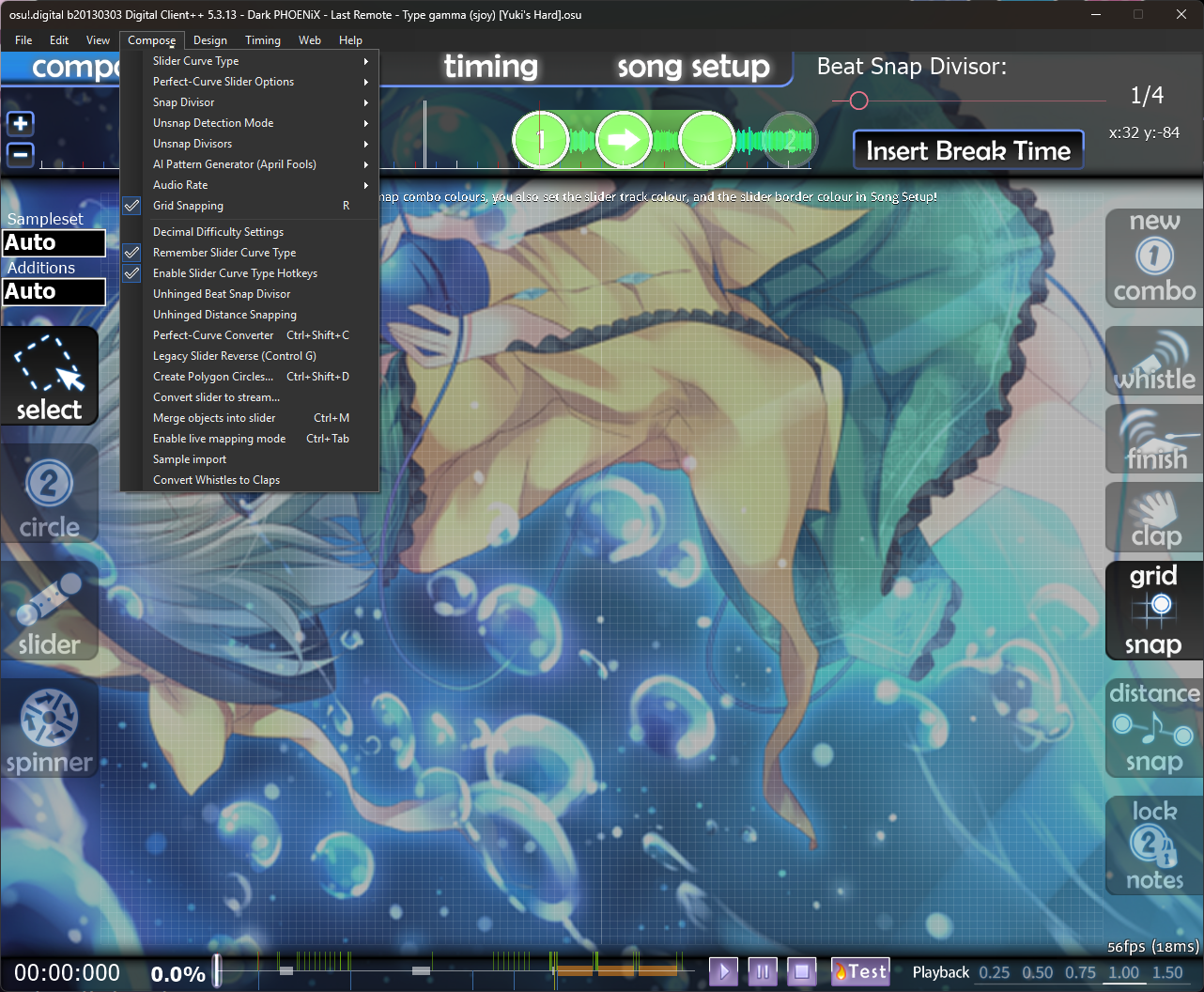

Definitely cool if you are a dark mode enjoyer like myself, however I do wish I could keep my pretty button colors I had in dark mode :(
—————————————————————————————————————————
Editor EnhancementsThe editor got a lot of love in this update, mappers will be very pleased I think.
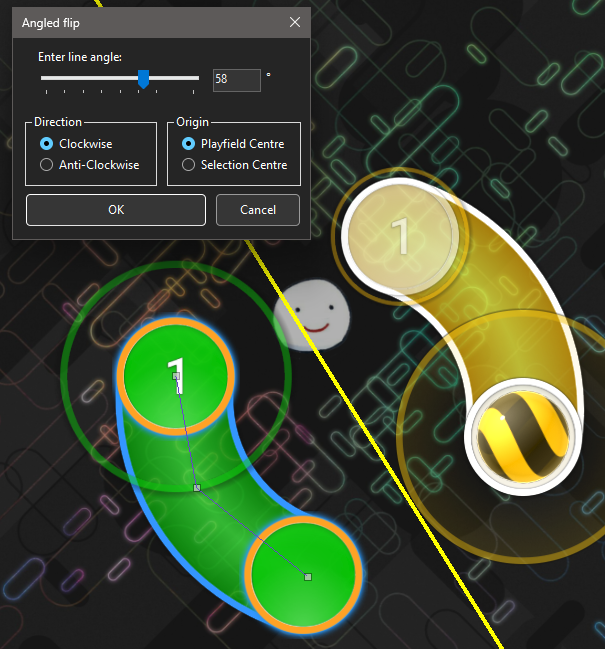
Angled Flip by KhangarooThis is a port from un!stable. You can use Control + Shift + T while selected a slider to do a special angled flip to the object
 Quick Rotate Command by Khangaroo
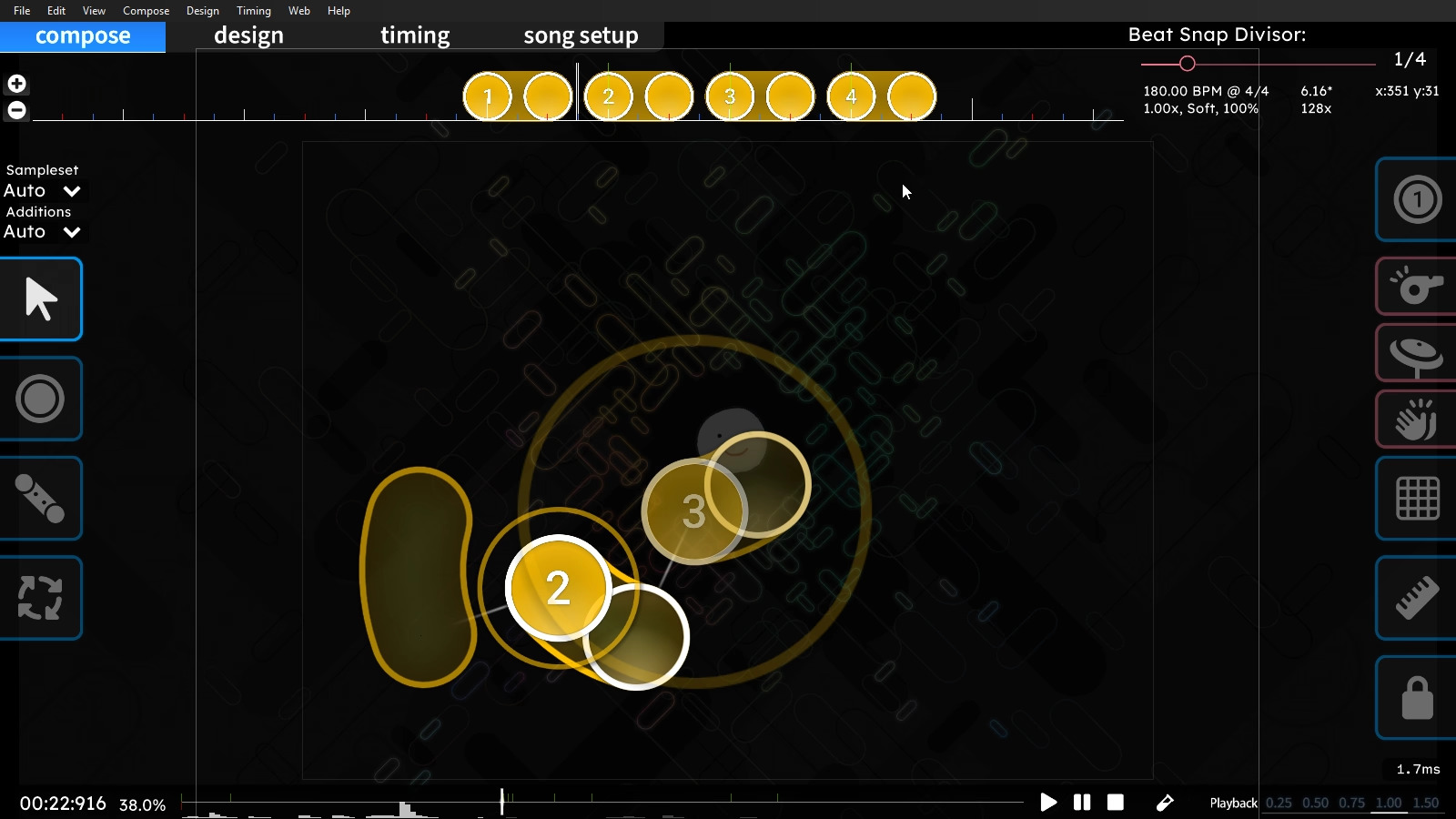
This is a port from un!stable by me. Select a group of objects (or 1 slider), and then press with Control + Alt + Mouse Wheel to rotate the selection. Just look at how cool this is.
 Fast SV Adjustment on the Timeline by Khangaroo
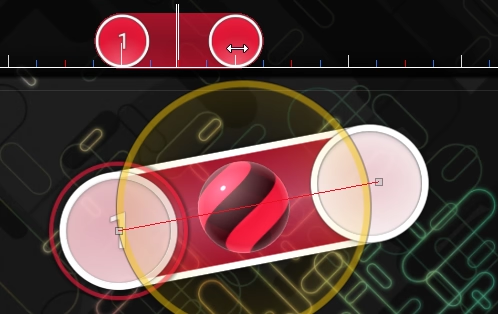
This is a port from un!stable by me. Quickly change the SV on a slider by holding ALT while dragging the end of the slider on the timeline.
 Fast SV Adjustment Keybind by Khangaroo
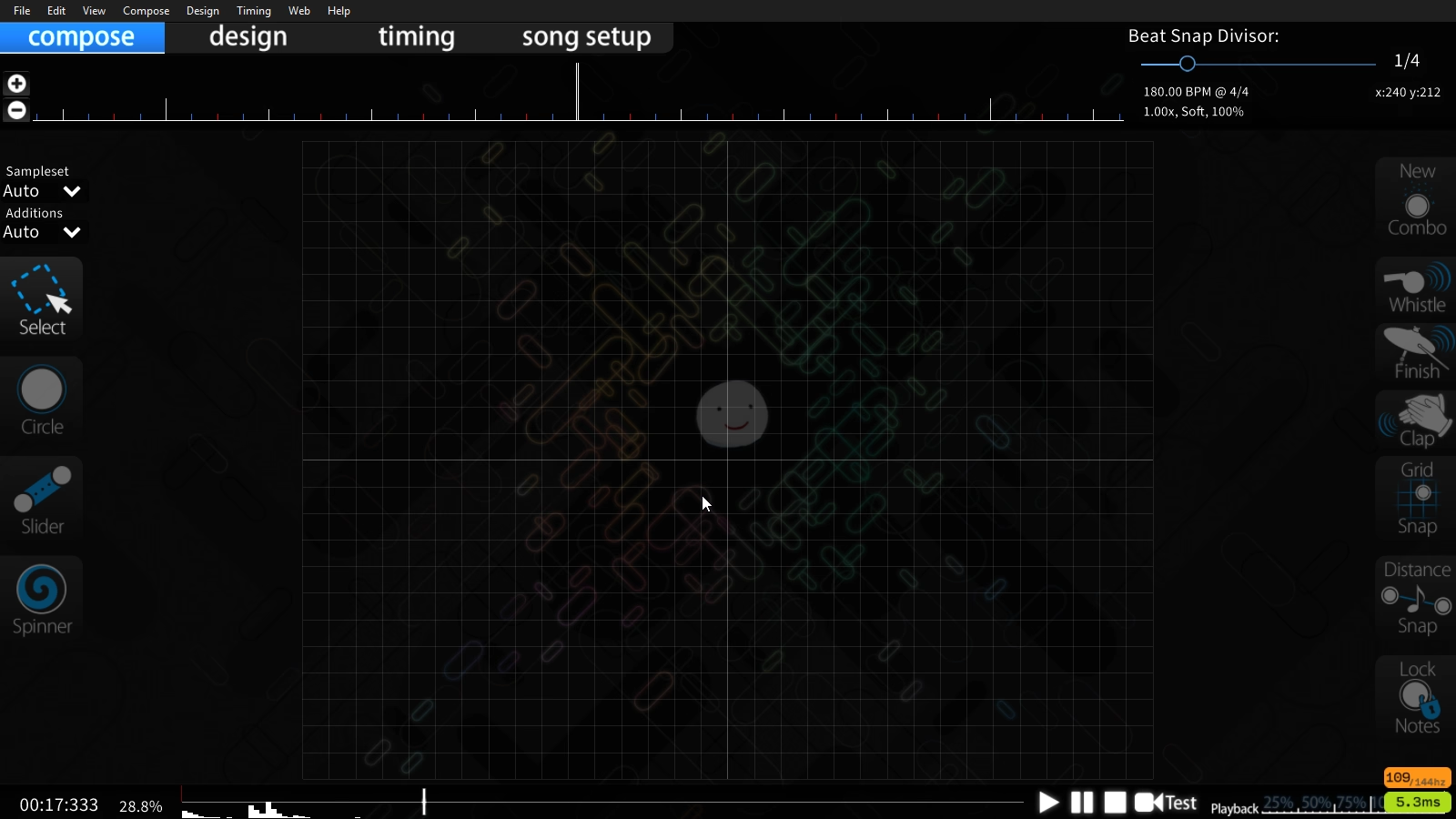
This is a port from un!stable by me. Pressing [ and ] decreases and increases the slider velocity at the current time, inserting additional green lines as needed. By default this does x0.1 increments, but holding Ctrl does x0.25 increments and holding Alt does x0.01 increments.
 Fast Slider Length Adjustment on the Timeline by Khangaroo
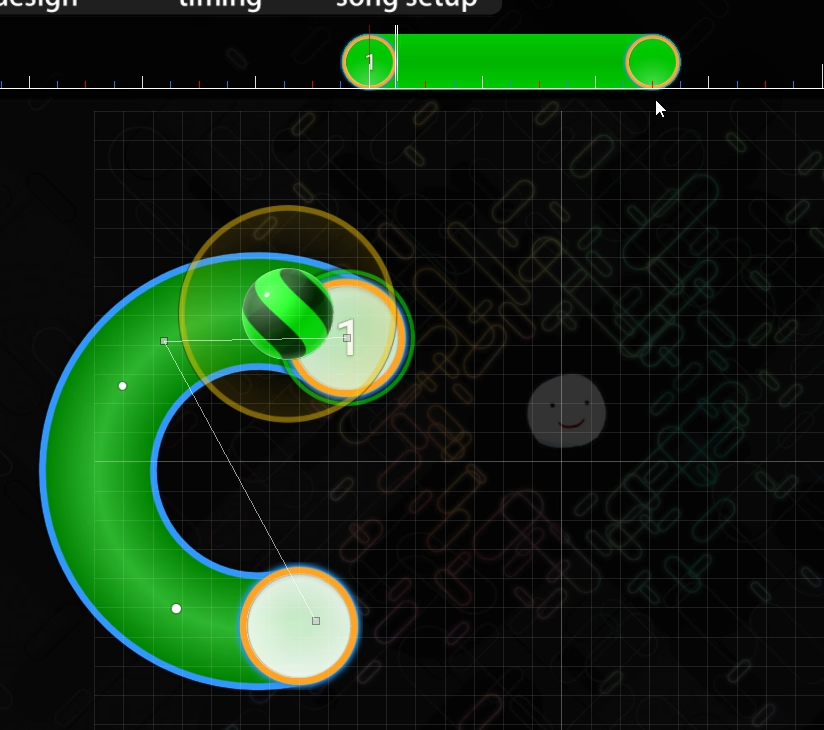
This is a port from un!stable by me. Holding Ctrl while dragging on a slider end on the timeline will change its length, allowing you to easily truncate sliders or create extended perfect curves.
 Undo/Redo Now Tracks Timing Points, Bookmarks, Preview Points
These are backports from 2014/2015, but done using the existing systems in the 2013 client. Hopefully I won't come to regret that.
AiMod Now Warns Against Using MP4, and M4V for TitanicThese formats may work in Digital Client and most 2015 clients, but won't work in older clients. Since many users use older clients here this warning has been added.
 More Compatible AVI Format in the Media Re-encoder Tool
I finally got the right command to make better AVI files with ffmpeg. The existing AVI files likely worked on all older clients, but there were a few rare cases where it made AVI files that 2007-2009 clients would get confused by and not play properly.
Replace MPG with WMV in Media Re-encoder ToolTurns out the old version of ffmpeg that clients from 2010-2026 use cannot consistently read the length header on MPG videos, meaning that ffmpeg will stop playing the video before it finishes (because it thinks the video is shorter than it actually is). Since I can't update ffmpeg in every client, it makes sense to use WMV as the next best backup after AVI.
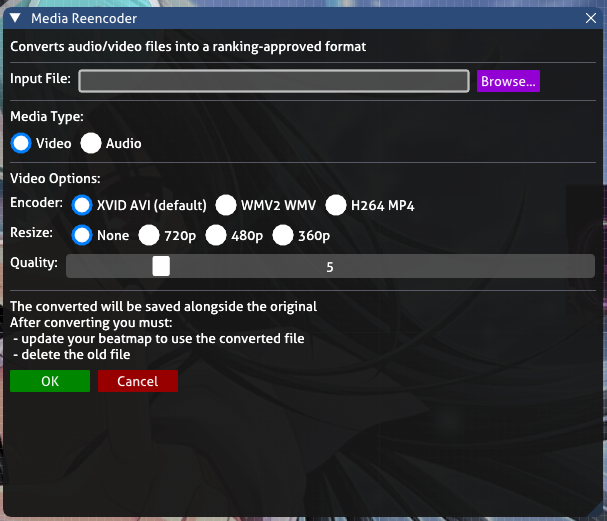 Converted Files with the Media Re-encoder Will Save the Quality Amount in the Filename
This is useful in cases where you want to compare quality amounts for filesize differences.
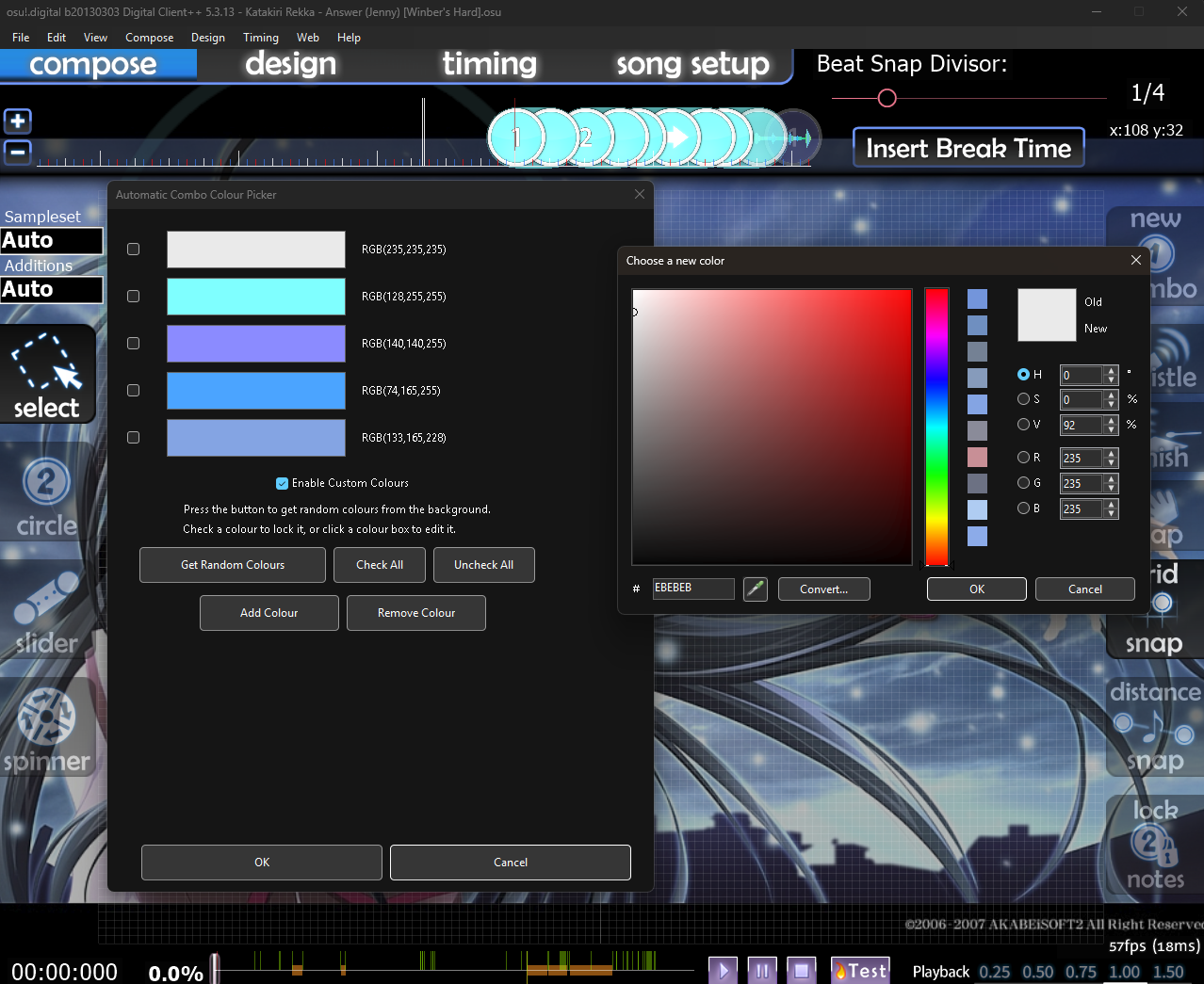
Clicking on the Color Box in the Automatic Combo Colour Picker Will Open the Color PickerAllows you to fine tune, or entirely replace any color that the automatic color picker choose from the background.
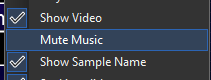
 Mute Music Option
This is a backport from a later version of the client, it got later removed when they added the volume adjustment form, which then later became useless when they made it possible to change volume in the editor, but we have it in Digital Client along with the other two options because this is the client with all the bloat and features dammit.
—————————————————————————————————————————
New Triangle OptionsI actually added a decent amount of new options for Triangles in Digital Client!
Triangle SpeedTriangle speed is no longer tied to FPS, and can now be controlled!
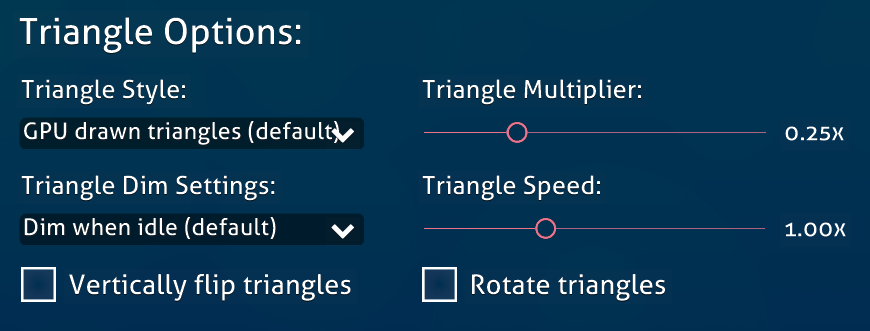
You can make triangles move anywhere in the range of extremely slowly, or extremely quickly!
—————————————————————————————————————————
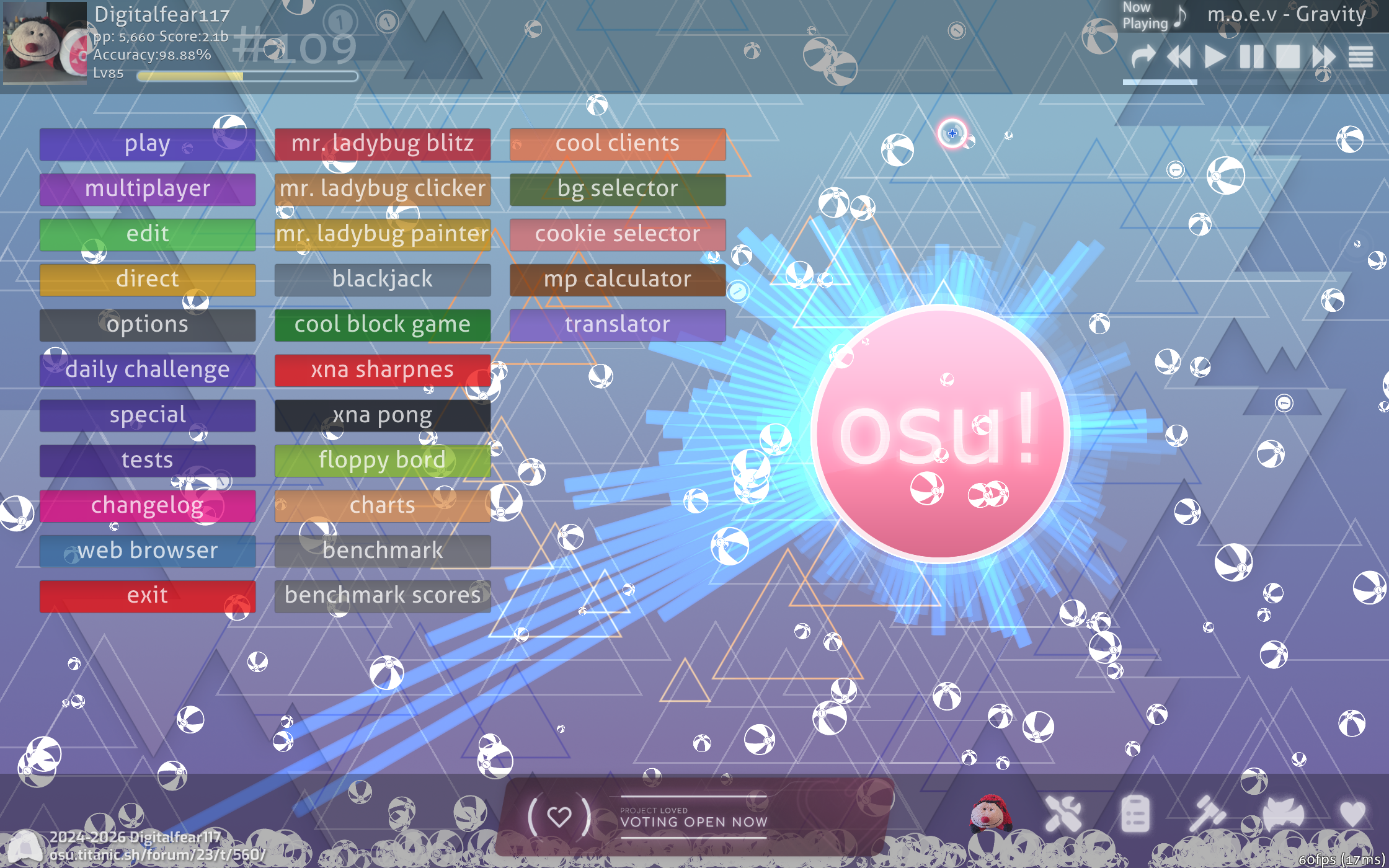
New Lazer Triangle ModeThis was inspired by a feature added to a private lazer branch by bnuuy! This adds triangle outlines as seen in lazer, but as a main menu triangle animation!
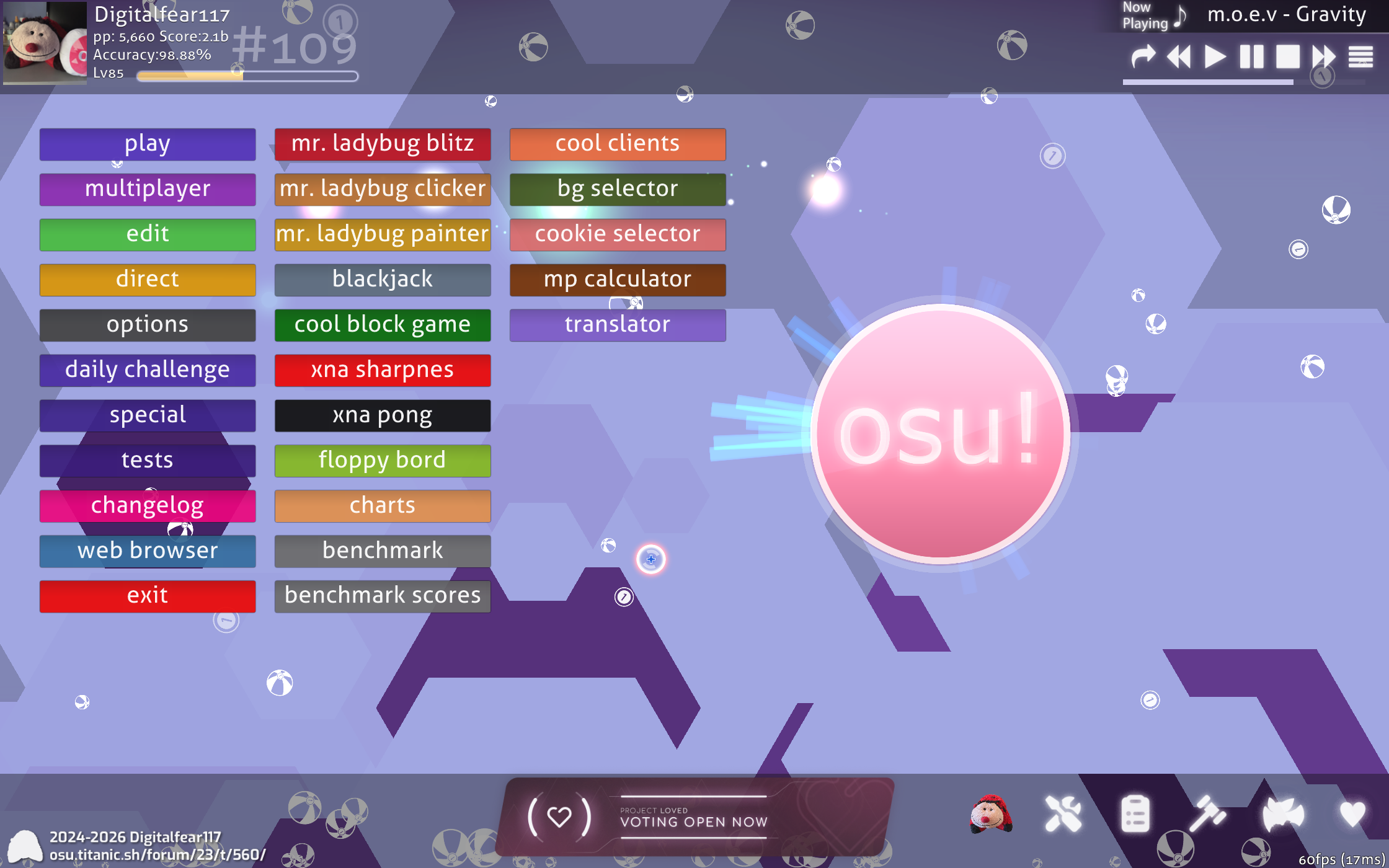
 b99 Titanic Hexagon Triangle Mode
I don't remember why the hell I added a hexagon main menu triangle option in b99 Titanic, but I think 7 months of it being exclusive to that client is good enough. Time for it to be added to the everything client.
—————————————————————————————————————————
Smaller FeaturesSmall new features that someone will probably enjoy!
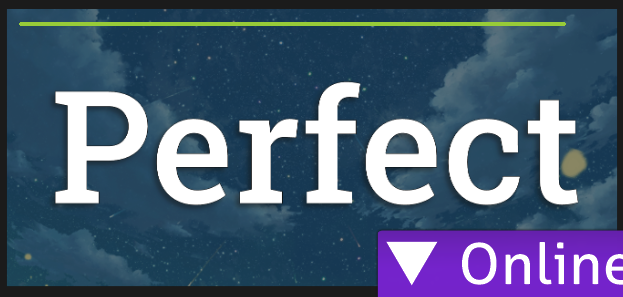
Modern and Legacy OpenGL HP Graph on the Ranking ScreenDepending on your Ranking Screen Style when in OpenGL you will get either the Classic or Modern OpenGL HP Graph.
Here is the Modern OpenGL HP Graph. This matches the DirectX one far better, and matches what 2015 uses. You will get this in the Modern Ranking Screen Style now.
Here is the Classic OpenGL HP Graph. This is the same one used from 2008-2015. You will get this in the Classic Ranking Screen Style now.
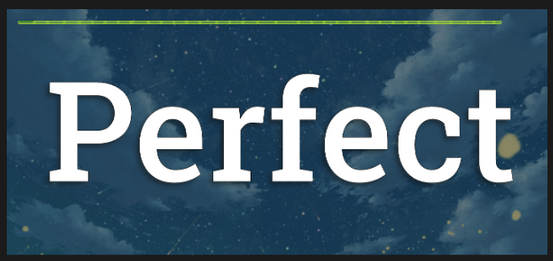
Normal clients would have gotten rid of the old one because it was "ugly", but in Digital Client we don't believe that old is bad… unless it really is.
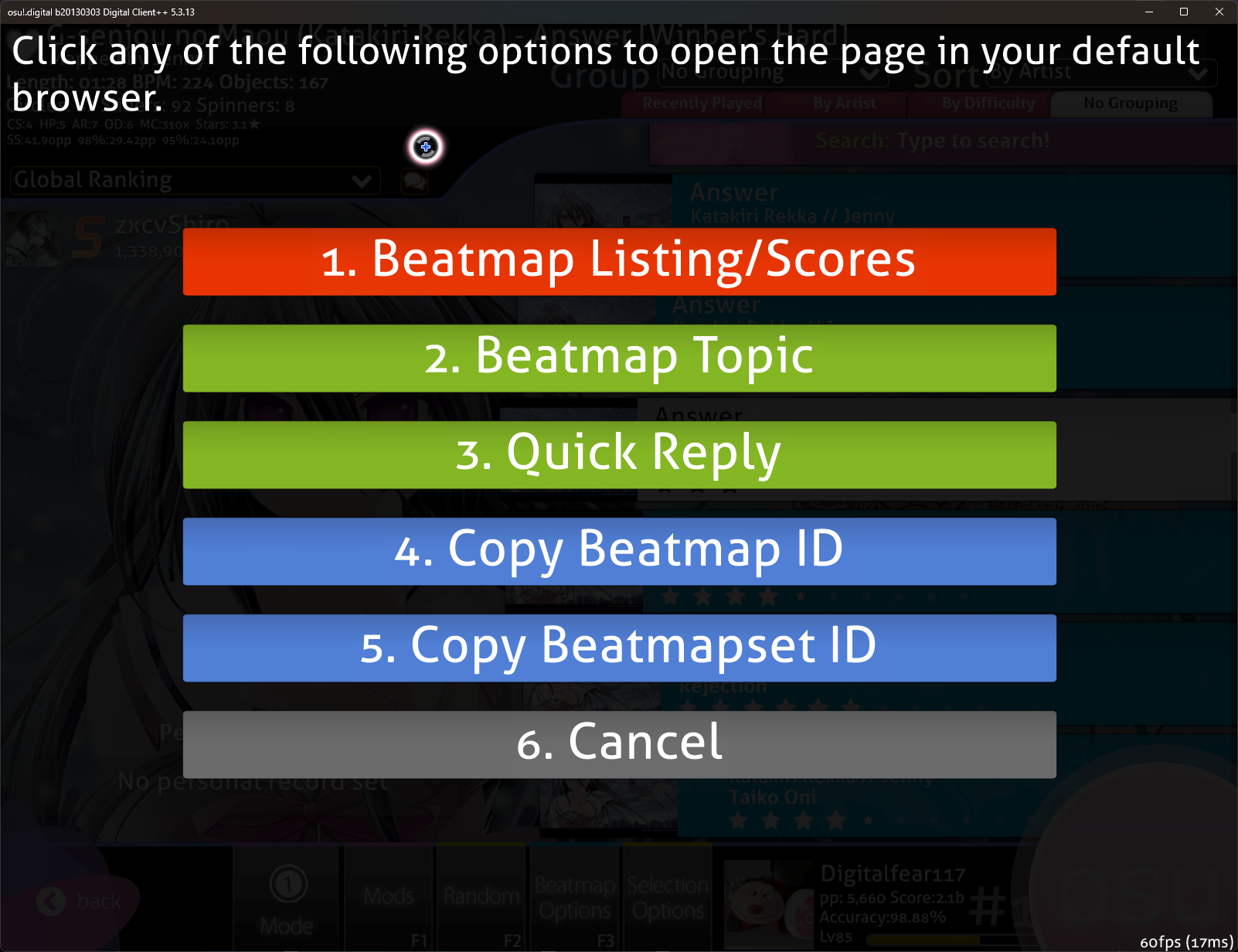
Add Copy Beatmap ID and Beatmapset ID to Forum Button by KhangarooThis is a port from un!stable.
 OpenGL 1.1 fallback for Editor Waveforms
For users like PlaWhO who's GPU doesn't support shaders in OpenGL I have added a shaderless fallback for Editor Waveforms. No gamers left behind! Well, so long as it is feasible to actually have the feature without shaders, I can't make an a shaderless SDF trail fallback for example sorry :(
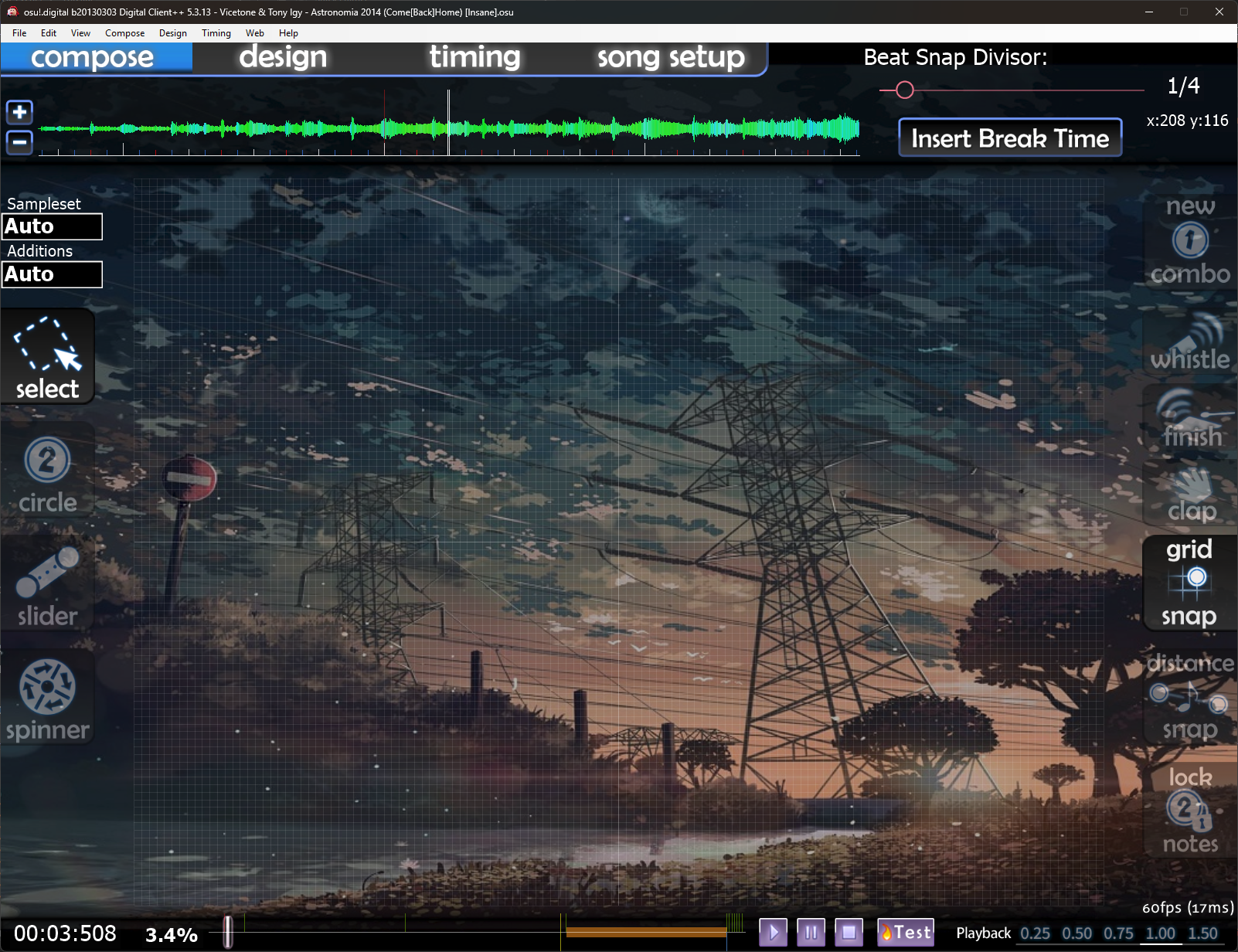
It still looks great! But it will affect performance a tiny bit more than the shader version that newer GPUs can use.
Select a ROM Folder the NES EmulatorAllows you to have just one ROM folder, in case you want to share it with another NES emulator? Idk lol. You can find this in Options > Maintenance > File Loading
 Always Use High Resolution Sprites
This is a port from un!stable. This makes the game always use @2x assets, in case your skin lacks SD 1x elements. You can find this in Options > Skin > Skin Customization

—————————————————————————————————————————
BugfixesLots and lots of bugfixes, as always in this client…
Fix OpenGL Renderer Always Attempting to Use Modern Features Even When Unsupported by OreeeeeThis specifically had to do with the Khang's port of the SDF Cursor Trail. That was a backport from un!stable, and since un!stable requires modern OSes he didn't need checks to see what features your GPU supports. What modern GPU doesn't support shaders? However in Digital Client land we try to support as many PC's as possible, so not checking here caused PlaWhO with a 2005 Intel iGPU to not have their game launch in OpenGL anymore. This also would have caused their game to crash when opening the Editor because of Shaders as well. Also with the Bloom Shader.
Re-Add Missing DirectX Files to the 32 Bit Release by OreeeeeIf you have DirectX 9 installed on your PC you didn't need these, but if you didn't you would need these.
Use the Correct Legacy Sounds When Changing Maps in Song SelectThe default and 2013 default skins were using the wrong sound when changing difficulties since thats basically how they programmed it in 2015, so I added cases for these skins to use the old sound effect. No more loud click sound when changing maps, it was driving me mad.
Fix Mania Test Play Not Working Due to Bad April Fools LogicI can't believe no one encountered this for almost 2 months.
Fix Mania Editor Snapping Objects Back to their Original Position Because of Not Using BasePositionThis has probably been broken for almost 2 years ngl.
Don't Attempt to Set HardwareInfoForm Font to ArialI saw puffle osu get a client crash because their linux install lacked the ability to set the Arial font to "Regular", I don't know why this ever even attempted to set a font here, that has been removed and fixed.
Fix Ghost Shader D3D not Being Bundled in osu.dllThis accidentally did not get re-added when we switched to compiling our own osu.dll, whoops.
Prevent Division by Zero with Time Signatures in Metronome by KhangarooThis bug exists in all clients likely, even Stable. Fixed in un!stable and Digital Client, although this crash would be rare.
Fix Issue With CtB Replays Counting Fake InputsThis has been reported numerous times, but I couldn't figure out what was wrong before. Turns out this was more modern replay handing colliding with the "Old CtB Keyboard Input" logic, even if it wasn't disabled. This should be fixed now.
Fix 3D Model Viewer UI Spacing Being BrokenI have no idea why this was changed and broke. Maybe an accidental backspace while looking in the file one day?
Fix Tiny White Square in Many Scrollable Areas With No ScrollingThis really pissed me off, I think I have fixed most cases of this.
Fix Viewport Not Updating When Using the Shader Effects and Window Size Changed in OpenGLThis is what caused Kurboh's issue in OpenGL that made their timeline disappear when going into the editor.
Fix Crashes on Corrupt Textures in SkinManagerThis should stop cases like hinami-chi's issue of the game attempting to load a corrupted texture.
Fix Crash on Illegal Slider Points in Song SelectI found a map in my song collection that has a sliderpoint at the integer minimum value that caused the game to crash if you even clicked on it in the song select. That has been fixed, but attempting to play the map will still crash. One thing at a time…
Fix "Use as template for new set" Overwriting Collection Entries by KhangarooWhoops.
Improve Loading of 2008 and oldsu! .osr Replays Files by OreeeeeSome replays would get rejected from loading in the past, this should fix that.
By the way, if you have any oldsu! replay files for oldsu! 2008 or oldsu! 2009 let me know, I am looking for more oldsu! replay files!Every update to Digital Client includes many bugfixes like this, but I don't usually feel like writing them all out. It's nice to every once in a while to mention them all because most of my time gets spent bugfixing honestly.
THIS RELEASE WILL AUTO UPDATE IF YOU ARE ON 5.3.0!Thank Levi for his hard work getting this all to work.
Downloads: